
Leave the over-processed look behind
Bare Frame skips Smart HDR, Deep Fusion and frame merging. You get one RAW frame, developed neutrally, with the DNG original kept in Photos.

Ten free Bare photos a day
Every feature is free. Each press of this shutter uses one of ten example shots, just like the allowance in the app, which resets at your local midnight.
This demo does not use your camera or save photos. HEIC and supported PRORAW stay unlimited.
Enable JavaScript to try the demo
How Bare works
-
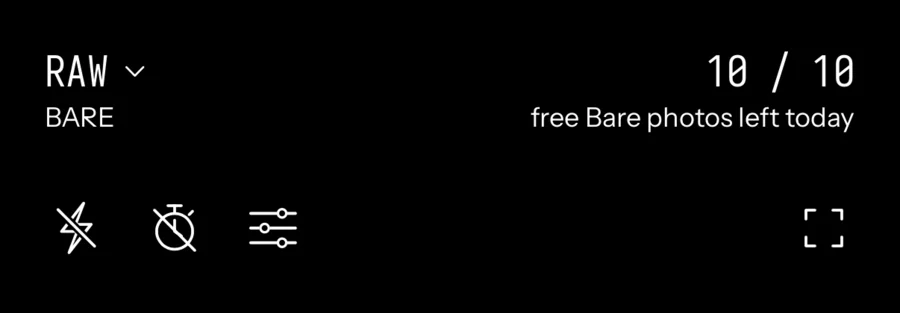
Shoot in Bare
Bare is the default when you open the camera. Set shutter speed, ISO, focus and white balance yourself, or leave them on auto.
-
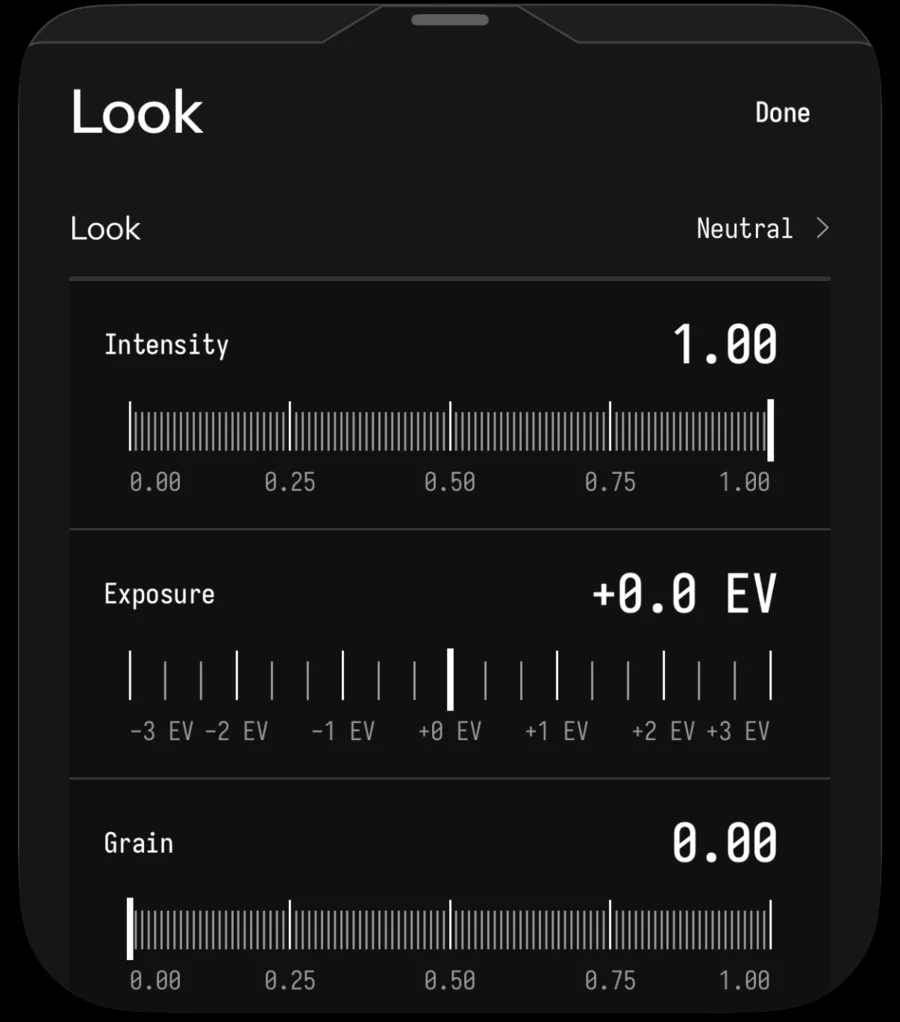
One frame, developed neutrally
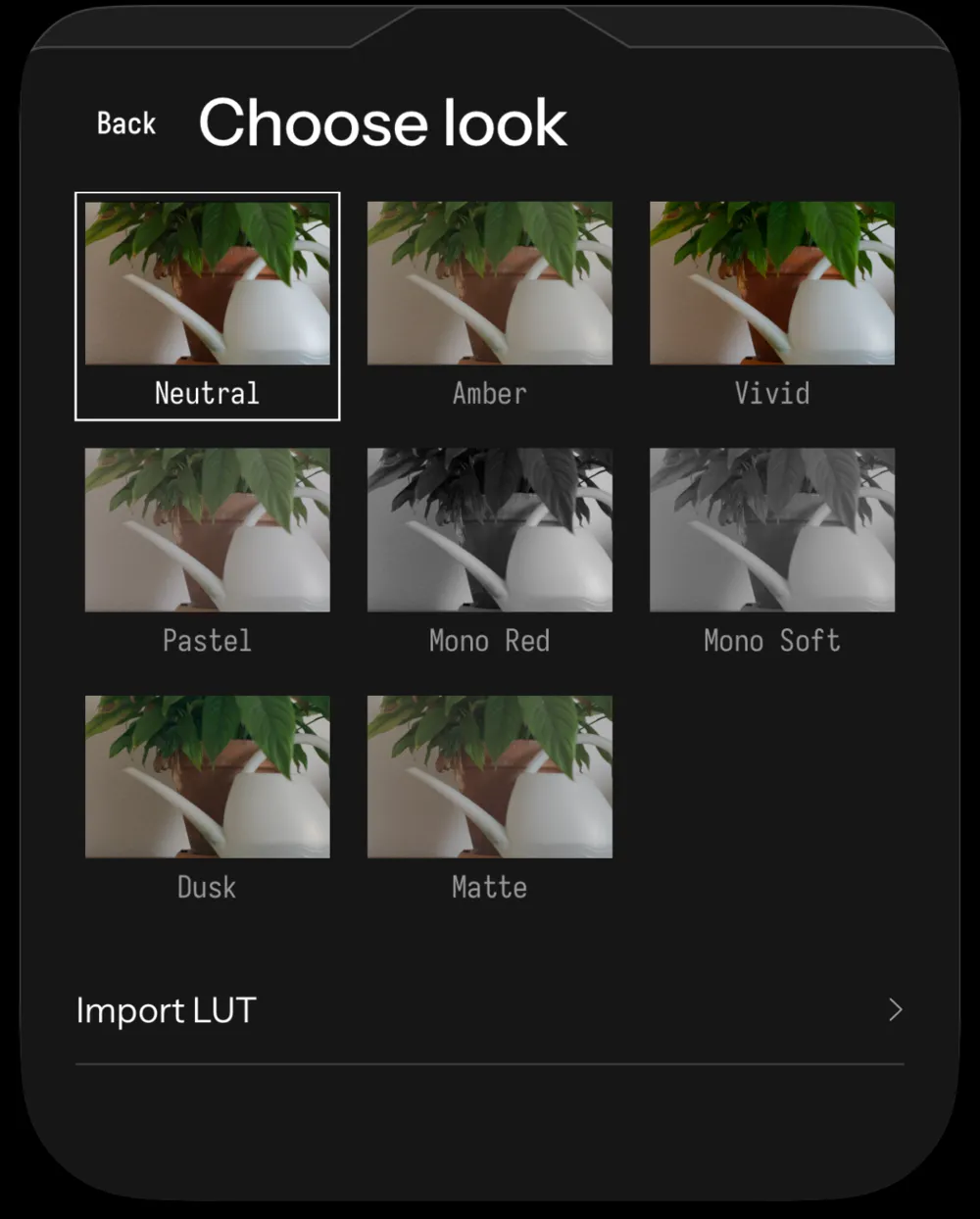
Your iPhone captures a single RAW frame with no Smart HDR, Deep Fusion or merging. Seenlight develops it on the phone in Neutral, or in the look you pick.
-
Keep the DNG
The finished photo goes to Photos with its DNG original, so you can come back for another look or edit it in any app that reads DNG.
BARE: zero processing
Bare is the default. One RAW frame, developed neutrally on your iPhone.
PRORAW and HEIC are there when you want Apple's processing, and they never count toward your daily Bare photos.
A full manual camera
- Exposure
- Shutter speed, ISO and exposure compensation, with a needle meter. Swipe up or down to adjust.
- Focus
- Tap to focus or set it by hand, with focus peaking and a magnifier.
- White balance
- Auto, presets, Kelvin or a gray card.
- Viewfinder
- Histogram, waveform, zebras, grid, level, lens cleaning hints and Zen mode.
- Looks
- Neutral plus seven looks, or your own .cube LUTs, with grain, halation and detail.
- Bare extras
- Exposure brackets and anamorphic adapter support.
- Gallery
- Edit, favourite and share, with the original file when you want it.
- Shortcuts
- Saved profiles, Lock Screen camera, Camera Control, widgets and Shortcuts.

Free every day. Pro if you want more.
Free
$0every day10 Bare photos a day with every feature included. The allowance resets at local midnight. HEIC and supported PRORAW stay unlimited with Apple's processing.
Launch prices in US dollars; the App Store shows the price for your country. No free trial. Family Sharing included.
Monthly
$2.99per monthNo daily limit on Bare. Renews every month until you cancel.
Launch prices in US dollars; the App Store shows the price for your country. No free trial. Family Sharing included. Monthly and yearly renew automatically until cancelled in Settings > Apple Account > Subscriptions at least 24 hours before the period ends. Payment is charged to your Apple Account.
Yearly
$14.99per yearNo daily limit on Bare. Renews every year until you cancel, and the app reminds you at least 15 days before each renewal.
Launch prices in US dollars; the App Store shows the price for your country. No free trial. Family Sharing included. Monthly and yearly renew automatically until cancelled in Settings > Apple Account > Subscriptions at least 24 hours before the period ends. Payment is charged to your Apple Account.
Lifetime
$34.99onceNo daily limit on Bare, paid once. It does not renew.
Launch prices in US dollars; the App Store shows the price for your country. No free trial. Family Sharing included.

Questions
What does zero processing mean in Seenlight?
In Bare Frame mode, Seenlight asks your iPhone for one Bayer RAW frame with Apple ProRAW turned off, so Smart HDR, Deep Fusion and multi-frame merging do not run. Seenlight then develops that frame on your iPhone with a neutral tone and no local tone mapping.
RAW development still happens: demosaicing, white balance, lens correction where supported and one global tone curve. The default recipe also includes light detail and colour noise reduction.
How is Bare different from PRORAW and HEIC?
PRORAW and HEIC use Apple's processing. Bare is the only zero-processing mode, and RAW is the default format when you open the camera.
HEIC and supported PRORAW stay free and unlimited, so you can keep shooting after your daily Bare photos.
Is Seenlight free?
Every feature is free. You can take 10 Bare photos a day, and the allowance resets at local midnight.
Seenlight Pro removes only the daily Bare limit: $2.99 a month, $14.99 a year or $34.99 once. There is no free trial, and Family Sharing is included.
Which iPhones does Seenlight work on?
Seenlight needs iOS 18.0 or later. Bare Frame needs a lens that can capture Bayer RAW, so the formats and controls you see depend on your iPhone and the lens you pick.
Do I keep the RAW file?
Yes. Bare saves the DNG original in Photos alongside your finished photo, so you can come back to it for another edit in Seenlight or any app that reads DNG files.
Do my photos go to a server?
No. Seenlight develops your photos on your iPhone and does not upload them to a Seenlight service. There is no Seenlight account, advertising or third-party analytics. iCloud, sharing and other Apple services work as usual.
When can I download Seenlight?
Seenlight is coming soon to the App Store. This page will link to the listing as soon as it exists.